
Why AI budgets are less predictable

With traditional business software, the budget is fairly straightforward. You pay for licences, implementation, training and perhaps annual maintenance. Once everything runs, the costs stay within a range that anyone can explain to the board. Artificial intelligence is different. An AI project that starts as a limited pilot can turn out more expensive than expected when usage grows, when data proves to be missing or when staff need to review results more often than assumed. That does not make AI budgets unmanageable. It does mean you need to build and track them differently than you are used to with your ERP or CRM.
In short: with classic software, licences, implementation and maintenance are largely fixed. With AI five items move: usage costs that rise with volume, data preparation that disappoints, model choices that change, integrations that expand and human review that takes more time than planned. An AI budget is therefore not a fixed amount but a range with assumptions. Make those assumptions explicit and you can adjust course before costs derail.
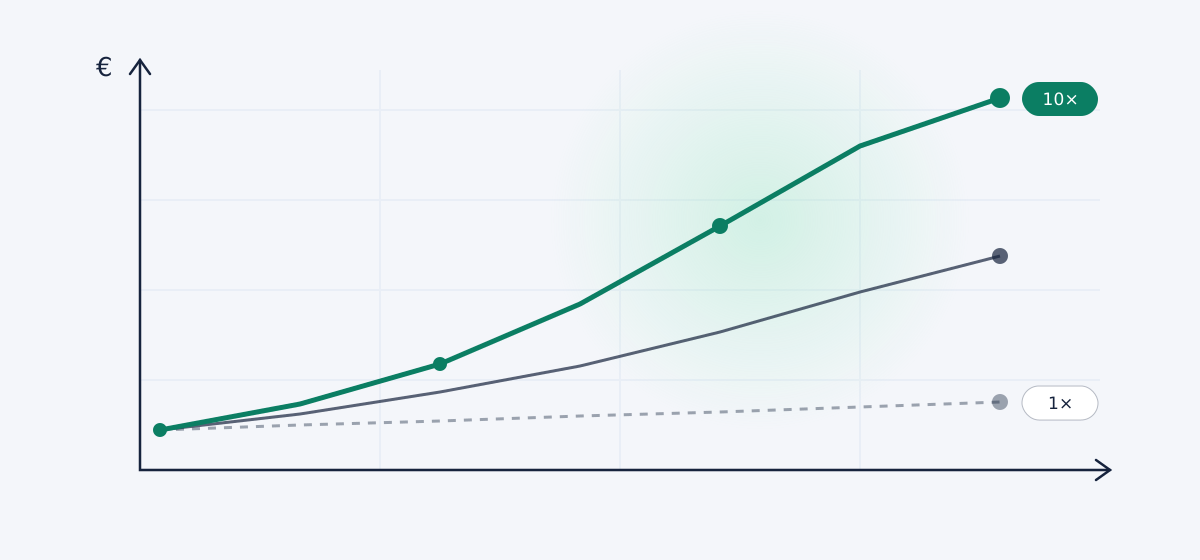
Why traditional software looks more predictable
Traditional software runs rules that someone wrote in advance. The same input produces the same output. That makes the cost structure clear: a fixed licence fee, a bounded implementation project, costs for configuration and integration, periodic maintenance, support and training. Traditional software projects overrun too at times. Once the solution runs stably, though, you can predict the monthly cost fairly well.
AI solutions are structurally different. The eventual cost depends not only on the number of users. It also depends on how much information flows through, which models you call and how much human review remains necessary.
Six reasons why an AI budget shifts along the way
1. Usage costs scale with volume. Many AI services charge per processing job: per document, per image, per audio minute or per amount of text. An application that processes a hundred documents a month during the pilot looks financially fine. Scale up to ten thousand documents and you suddenly get a very different bill. The very success of the application can literally grow your invoice.
2. Not every AI model costs the same. Simple tasks are fine on a cheaper model. Complex analyses, larger documents or higher accuracy demand a more powerful and more expensive one. During a first demonstration you often see the best model in action. Only later do you notice how much it costs to keep that quality level running at scale.
3. The data itself. Vendors like to package an AI project as a technology project. In reality a large part of the budget goes to collecting, cleaning up and aligning data. Product codes, customer records or process information are sometimes simply not consistent enough to build on reliably. In practice we see that preparatory work underestimated time and time again. Read more in our article on preparing business data for AI.
4. Integrations. An AI solution usually needs to work with existing systems such as your ERP, CRM, document management or accounting package. The AI functionality itself is often built quickly. Integrating it into existing processes takes far more time, especially with older software, custom code or scattered data sources.
5. Human review. An AI system does not automatically produce a result you can act on without checking. For financial, commercial or operational decisions someone has to review, correct or approve. That review is a real operational cost. A solution that automates twenty minutes of work but then needs fifteen minutes of review delivers a lot less than the first demo suggested.
6. Monitoring and follow-up. Traditional automation keeps running on the same rules for years. AI performance can shift as soon as the input, the business context, the documents or the underlying models change. So you want to know continuously:
- how many results you have to correct;
- on which exceptions the system fails;
- how often staff need to intervene;
- how much each processing job costs;
- whether the time savings promised on paper actually hold up.
Do not calculate only the project cost
A solid AI budget consists of at least four components that are best looked at separately:
- One-off costs: analysis, implementation, configuration, integrations, data preparation and training.
- Recurring fixed costs: platform licences, support, security, hosting and maintenance.
- Variable usage costs: these scale with the number of processing jobs, documents, users or model calls.
- Internal business costs: your staff time counts too. Process analysis, review, corrections, meetings and change management are not free resources.
Work with scenarios instead of a single budget figure
An AI budget becomes more reliable when you put not one number on the table but at least three scenarios:
- Base scenario: what does the solution cost at expected usage?
- Growth scenario: what happens when usage becomes three or ten times larger?
- Downside scenario: what if extra review, additional adjustments or unexpected data improvements are needed?
That way the board does not get a seemingly precise amount but a realistic range. It makes the conversation more honest straight away.
Which figures should a CFO track?
Do not judge an AI project on technical performance alone. Also track the financial and operational indicators:
- the cost per processing job;
- the time saved per case;
- the percentage of results you correct manually;
- the cost of errors before and after go-live;
- the number of human interventions;
- the total monthly usage costs;
- the payback period actually achieved.
The cost per processing job is often more telling than the total software cost. It shows whether the system stays profitable at higher volumes too.
semanu builds business software and workflow automation with AI as the engine. We make the cost per processing job visible from the design stage.
Read more about custom business software →Build cost control in from the design stage
Financial control should not begin only once the first invoices land in your mailbox. It belongs in the design, during the analysis:
- let simple tasks run on cheaper models;
- set limits per user or department;
- send only relevant data to the model;
- restrict human review to risky cases;
- report usage and cost per process;
- set stop criteria in advance so a project that does not work can actually be stopped.
Conclusion
AI budgets are less predictable because costs depend on usage, data volume, model choice, integrations and human review. A traditional estimate with only licences and implementation costs is not enough. A good AI budget consists of scenarios, accounts for internal effort and ties costs to measurable business results.
So the right question is not simply "what does this AI solution cost?". The right question is: "what does each reliable processing job cost, how much work does it save and does that ratio stay attractive as usage grows?"
Frequently asked questions
Why are AI budgets less predictable than ERP budgets? AI costs depend on the number of users, the processing volume, which model you call, how much data you have to prepare and how much human review you need. With traditional software those are fixed items. With AI they scale with usage and context. That makes a single budget figure unreliable.
Which items should I include at a minimum in an AI budget? One-off costs (analysis, implementation, integration, data preparation, training), recurring fixed costs (platform licences, hosting, support, security), variable usage costs that scale with volume and internal business costs for process analysis, review and change management.
What is a realistic range for an AI budget? Work with at least three scenarios: a base scenario at expected usage, a growth scenario at three to ten times more usage and a downside scenario with extra review and data improvements. That way you give the board a realistic range instead of a seemingly precise number.
Tom de Vree · founder of semanu
Tom de Vree builds 3D configurators, business software and automations for SMEs in Europe.